
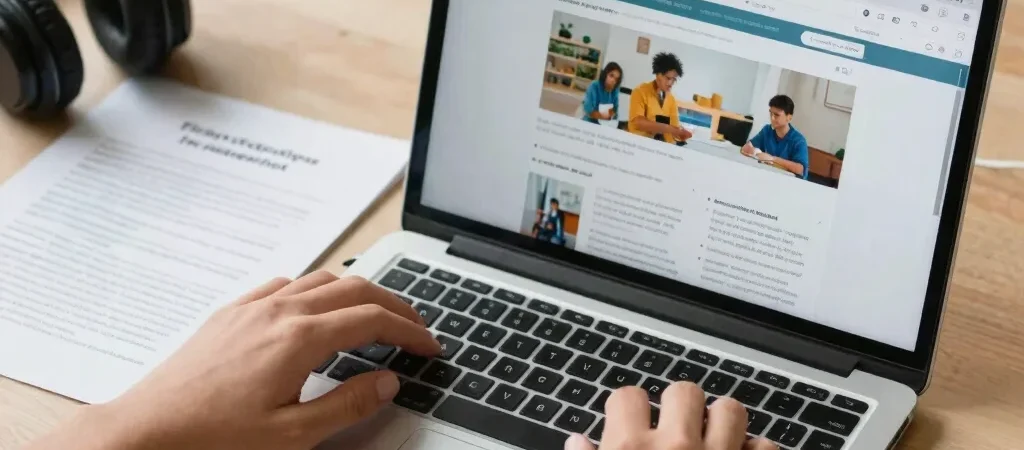
A learner opens a course handout on a phone and finds a scanned page that cannot be read aloud or searched. The resource may be freely available, but access is still limited by its format. A thoughtful listing can help people understand what they will encounter before they commit time to it.
Say What the File Offers
Name the file type and, where known, note useful features such as selectable text, captions, or an accompanying transcript. Avoid promising accessibility you have not checked. When an alternate format is available, make it easy to find rather than treating it as an afterthought.
Design for More Than a Mouse
A resource library should be navigable with a keyboard, with visible focus and headings that create a sensible reading order. In Elementor, use the appropriate heading levels and descriptive link text instead of styling ordinary text to merely look like a heading. Keep contrast strong and page layouts predictable, especially on resource cards and download links.
Make Access Part of the Record
Treat format and access notes as standard resource details, not optional commentary. Over time, those consistent notes help educators choose materials that suit their learners and their classroom conditions. Start with one resource page, check it on a phone and with keyboard navigation, then carry the improvements across the library.